

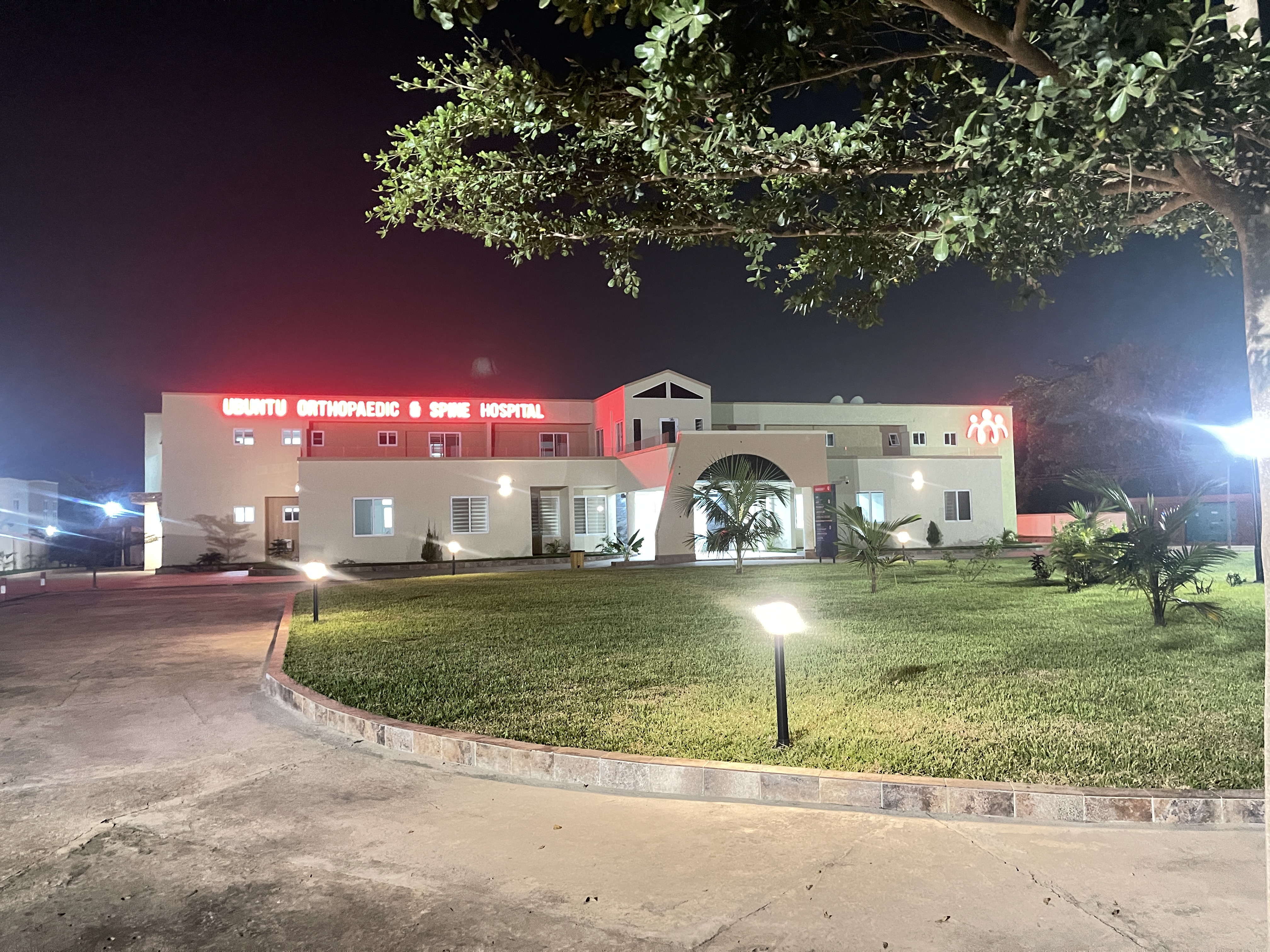
Use the appointment request form, call either hospital line, or send a WhatsApp message. The hospital team will contact you to confirm the available date and time.
Contact Ubuntu Hospital
Call, send a message, or use the map to plan your visit. The hospital team is available to guide you to the right point of care.
For urgent medical support, call the hospital directly before your arrival.
Contact channels
Use the channel that matches your request. WhatsApp is available for quick enquiries and directions.
For general enquiries, urgent support, and hospital guidance.
Call hospitalFor appointment enquiries and support before your visit.
Call hospitalSend a message for directions, appointments, or general enquiries.
Open WhatsAppSend non-urgent questions or general information requests.
Send emailHospital location
Use the live map for directions and call ahead when you need additional guidance.
Use the directions button to open the route in Google Maps.
Call the hospital team when you need help locating the facility.
Request an appointment before visiting for a specialist consultation.
Before your visit
A few simple steps can help the hospital team support you more efficiently.
Call, send a WhatsApp message, or request an appointment online.
Briefly explain whether you need directions, a consultation, or general support.
Use the map and follow the guidance provided by the hospital team.
Use the booking form or speak directly with the hospital team.
Frequently asked questions
Quick answers to help you prepare and reach the right team.
Send a message through WhatsApp for directions, appointment support, or general enquiries.
Ask on WhatsAppUse the appointment request form, call either hospital line, or send a WhatsApp message. The hospital team will contact you to confirm the available date and time.
Your next step